
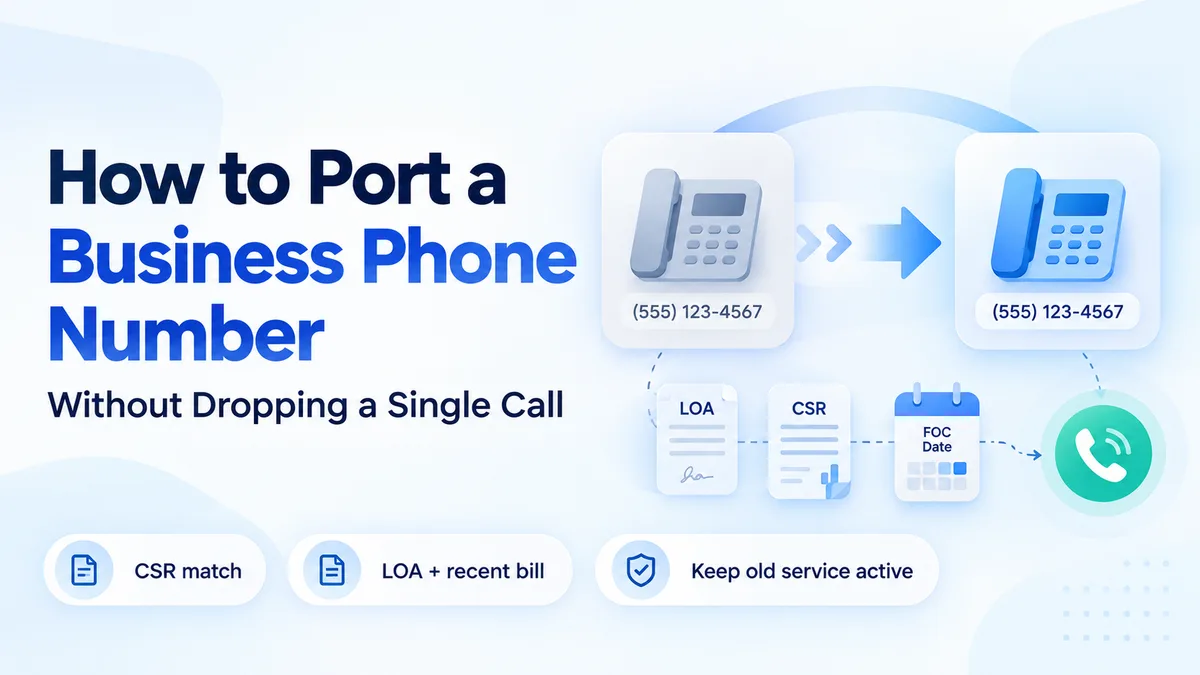
Most number ports do not fail on port day. They fail two weeks earlier, when someone types the service address the way it appears on the company website instead of the way it appears on the old carrier’s records.
That one mismatch sends the request back, the clock resets, and the switch slips another week. The part of porting that decides whether it goes smoothly is the paperwork, and the paperwork is entirely within your control.
This guide covers the documents to collect, the eight steps in order, the timelines to expect by number type, and the after-port cleanup most guides skip.
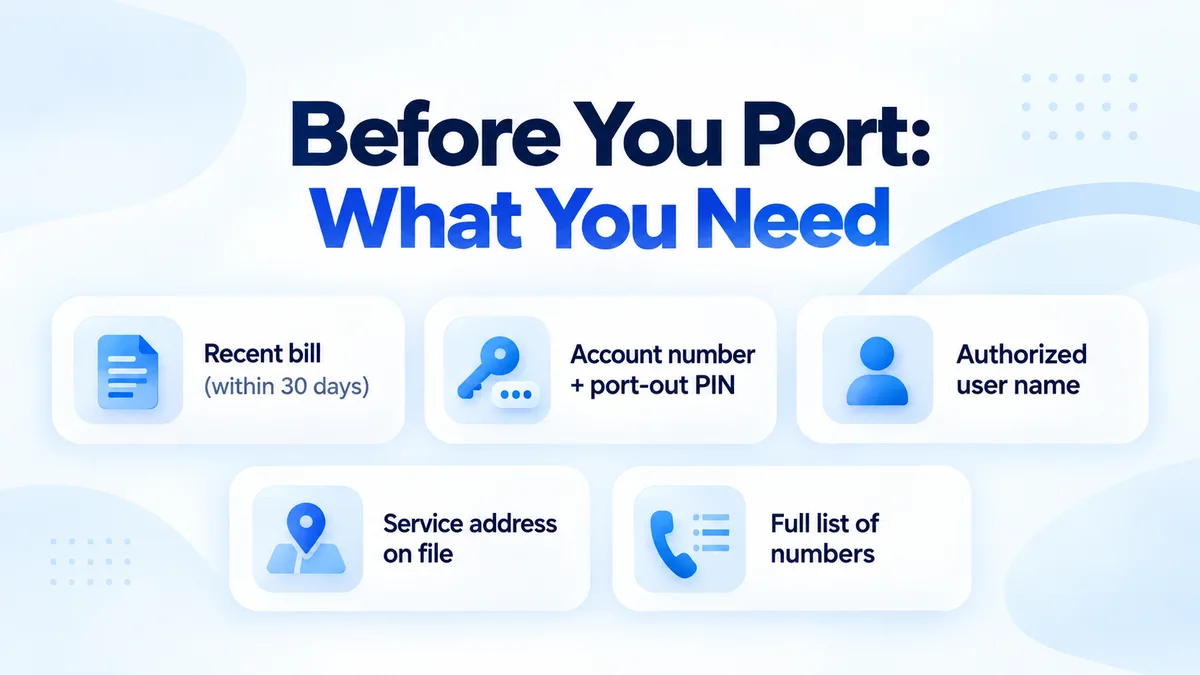
What you need before you start
Collect these before you contact a new provider. Missing any one of them is the fastest route to a rejected port.
- A recent bill
- From your current carrier, dated within the last 30 days. Include every page that shows the numbers being moved.
- Account number and port-out PIN
- The PIN applies to wireless lines and is separate from your account password. Major mobile carriers now require one.
- The authorized user’s name
- Spelled exactly as the carrier has it. “Acme LLC” and “Acme Holdings LLC” are different names to a validation system.
- The service address on file
- Not always your office address, and not always what is printed on the bill. This is the single most common mismatch.
- Every number on the account
- Main line, direct-dial numbers, fax, toll-free, and anything wired to an alarm or a lift. The fax line is the one people forget.
Start with the Customer Service Record
Ask your current carrier for the CSR — the carrier’s own internal record of your account. This matters more than any other step, because your port request is validated against the CSR. Not against your bill, and not against what is on your website.
- Why the CSR beats the bill
- A bill usually shows the billing address. The CSR holds the service address, and porting validation checks the CSR fields. Where the two differ, the losing carrier can reject the request outright.
- What to check, line by line
- The authorized name, the service address down to the suite number, the account number, and the billing telephone number (BTN). Copy them exactly — including abbreviations and any typo the carrier has on file.
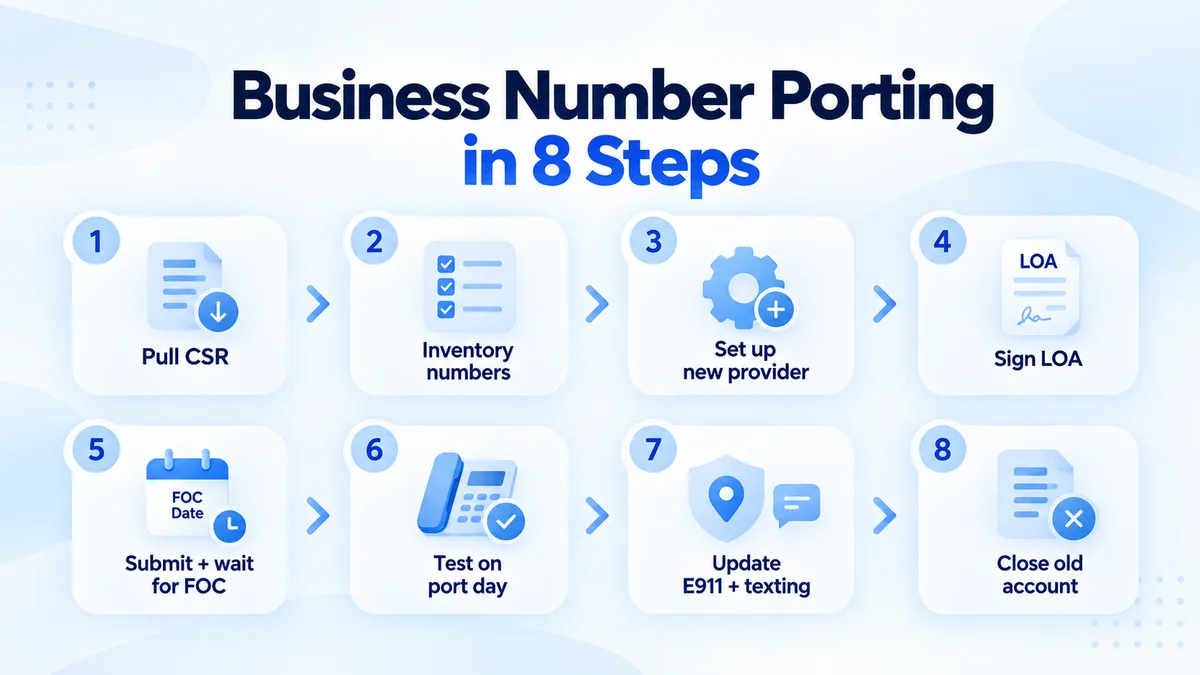
The eight steps, in order
Every port runs through the same sequence. Steps one and two are where the time is won or lost.
- Pull the CSRGet the Customer Service Record from your current carrier and check it field by field, as above.
- Inventory the numbersList every number on the account, then decide between a full port, which moves everything and closes the account, and a partial port, which leaves some numbers behind and takes longer to process. In a partial port, if the BTN is one of the numbers moving, the old carrier has to assign a new BTN first — sort that out before you submit anything.
- Set up the new providerSign up and configure everything before the numbers arrive: users, routing, IVR menus, voicemail greetings, business hours.What the phone system includes
- Sign the LOAThe Letter of Authorization is what lets the new provider request the numbers on your behalf, and every field on it should match the CSR exactly. Attach a recent bill.
- Submit and wait for the FOCYour provider sends the request. Once the losing carrier accepts it you get a Firm Order Commitment date — the confirmed day and time the numbers actually switch. Do not cancel the old service before then.
- Test on port dayFrom a phone outside your own network, so you see what a customer sees.
- Update E911 and textingPorting moves the number, not everything attached to it. Both need doing the same day.
- Close the old accountConfirm in writing that it is closed, ask for the final bill, and check for early-termination fees or equipment leases still running.
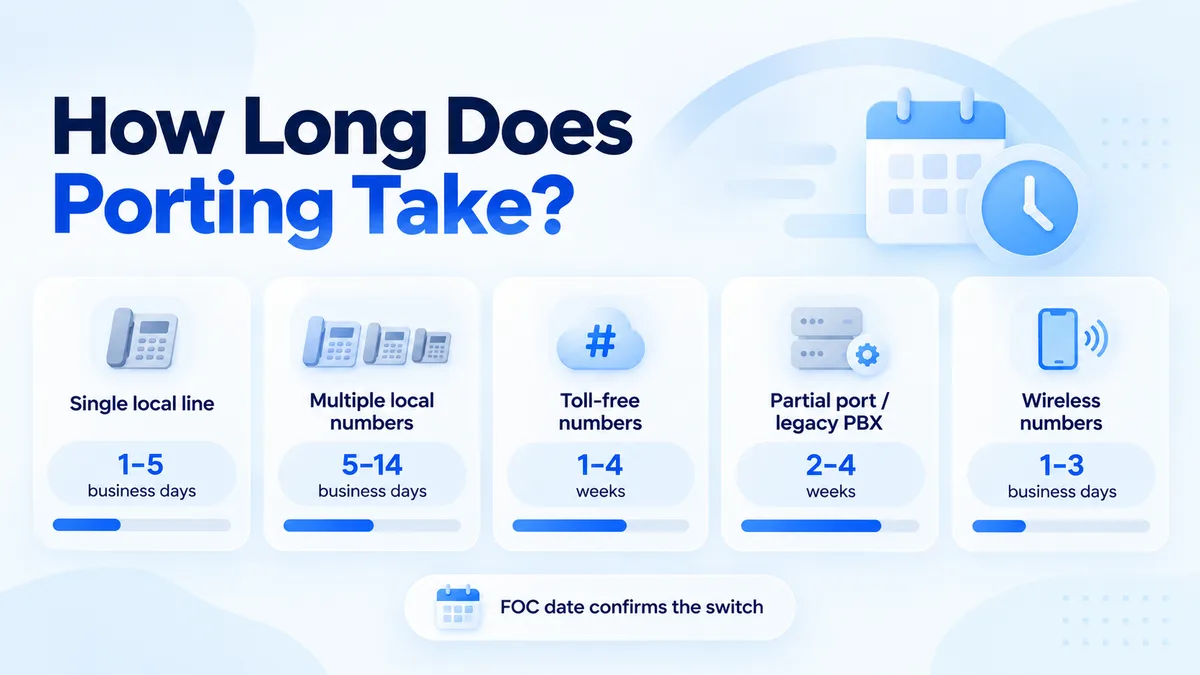
How long does porting take?
It depends almost entirely on what you are moving and how busy the losing carrier is. The new provider does not set the pace.
| Number type | Typical timeline | What slows it down |
|---|---|---|
| Single local line | 1–5 business days | CSR mismatches, late-day submission |
| Multiple local numbers, one carrier | 5–14 business days | Missing DIDs, BTN questions |
| Toll-free numbers | 1–4 weeks | The RespOrg change through the toll-free registry |
| Partial ports, legacy PBX, Centrex or ISDN | 2–4 weeks | Manual work at the losing carrier |
| Wireless numbers | 1–3 business days | Wrong or expired port-out PIN |
Testing on port day
The switch happens during a set window on the FOC date. Once the carrier confirms it is done, run these five checks from a phone outside your network — a personal mobile is ideal, because it proves the call is arriving the way a customer’s would.
What porting does not move
The number arrives. Two things attached to it do not, and both need attention the same day.
- The E911 address
- A VoIP number needs a registered emergency address for each user or location. Confirm it in the new system rather than assuming the old carrier’s record travelled with the number. It did not.
- Business texting registration
- Texting from a US local number requires 10DLC brand and campaign registration, and it does not carry over — least of all from a landline, which never had it. Submit early, because carrier approval can take days or weeks.
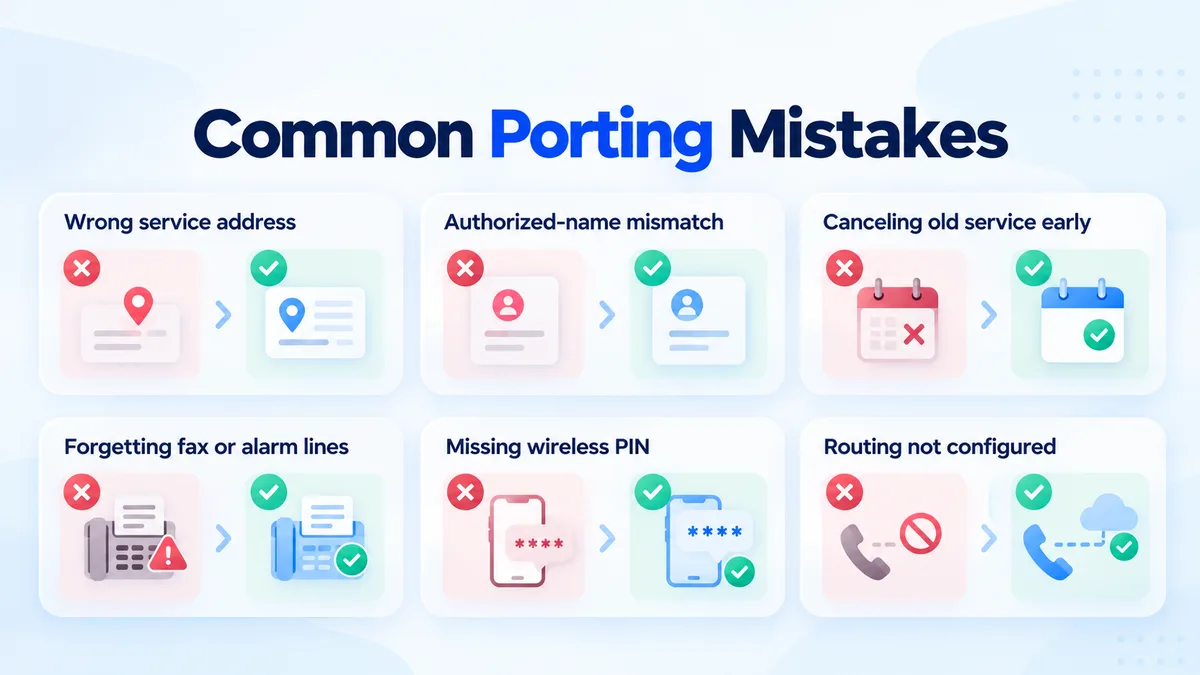
Common mistakes that get ports rejected
Each of these is routine, and each one costs a week.
- Using the website address instead of the CSR address
- The most common rejection there is. Validation compares against the carrier’s record, not against reality.
- An authorized-name mismatch
- “Acme LLC” and “Acme Holdings LLC” are two different companies as far as the check is concerned.
- Cancelling the old service early
- The carrier can release the numbers, and recovering a released number is slow at best. The ported numbers leave the old account on their own.
- Forgetting the fax or alarm line
- Anything left on the account goes dead when the account closes. Lifts and alarm panels are the ones nobody remembers until they stop dialling out.
- Porting wireless numbers without the PIN
- The number transfer PIN is separate from the account password, and it can expire.
- Configuring routing after the port
- The numbers arrive and land in a system nobody set up. Do it in step three.
Where to go from here
A clean switch comes down to three things. Pull the CSR, copy it into the LOA exactly, and keep the old line active until the FOC date passes. Do those and most ports finish without a customer noticing anything happened.
Porting is free on every DialPhone plan, local and toll-free, and a temporary number comes with it so you can build and test your call flow while the port runs.